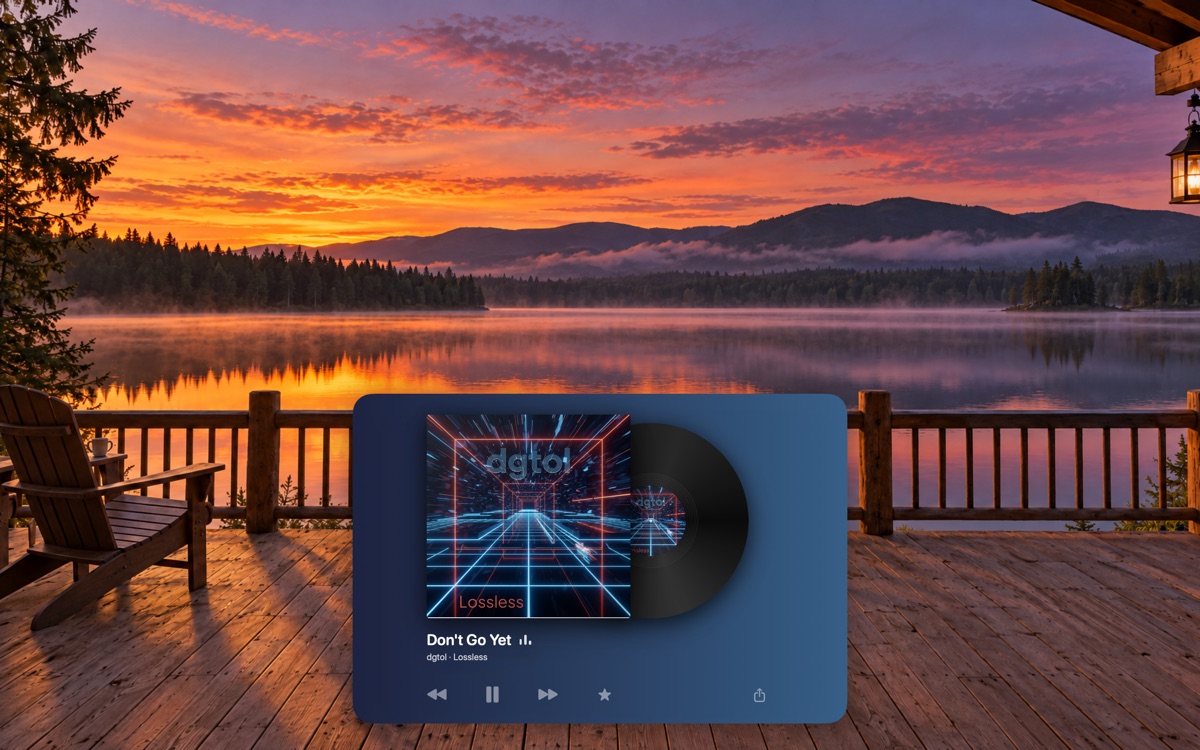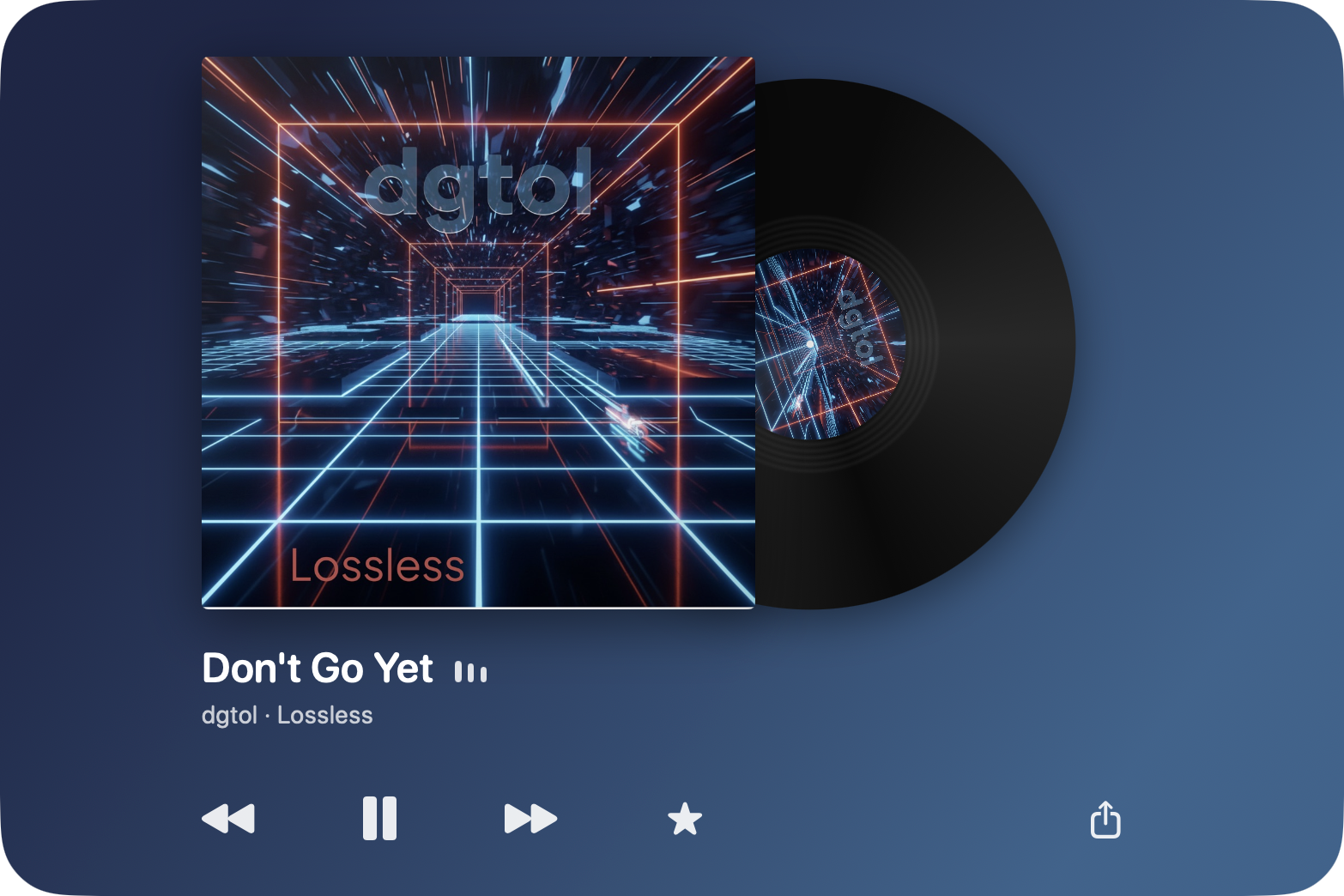
The album, on your desk.
Live artwork on the sleeve and the record label, the title and artist beneath, and Previous, Play and Next right on the desktop.

Play anything in Music and the album takes over the desktop beneath your windows: the cover as a sleeve, the record turning beside it, the controls underneath, on a gradient made from the cover's own colours. Three rooms that follow the time of day, or your own wallpaper, a plain colour, or a view of your choosing. Nothing to set up. Platter lives in the menu bar and stays out of the way.
Requires macOS 14 or later and the Music app · No account · No tracking
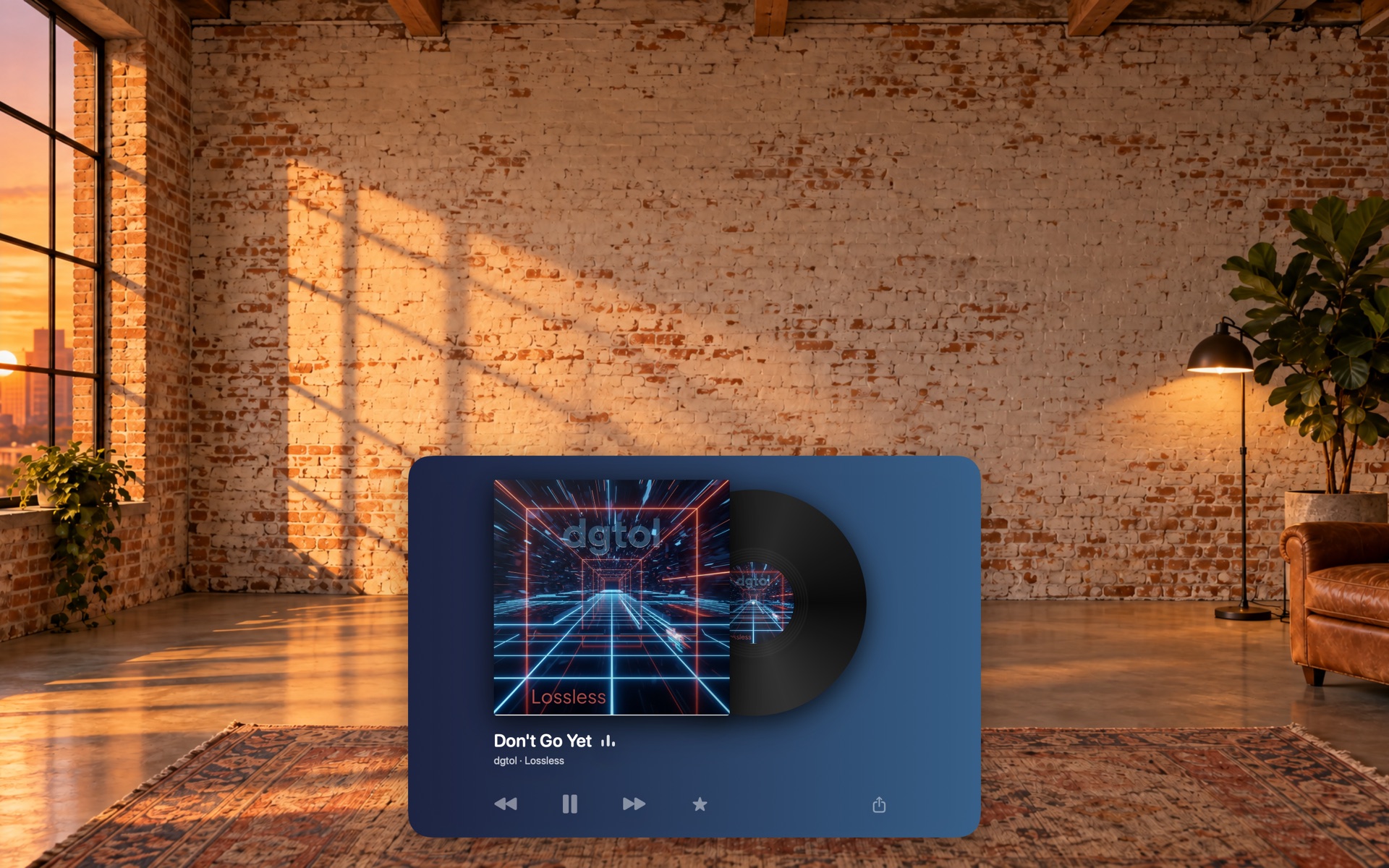
Live artwork on the sleeve and the record label, the title and artist beneath, and Previous, Play and Next right on the desktop.

Rooms and views carry a depth map. Move your pointer and the scene shifts with you, like looking through a window. Off under Reduce Motion.
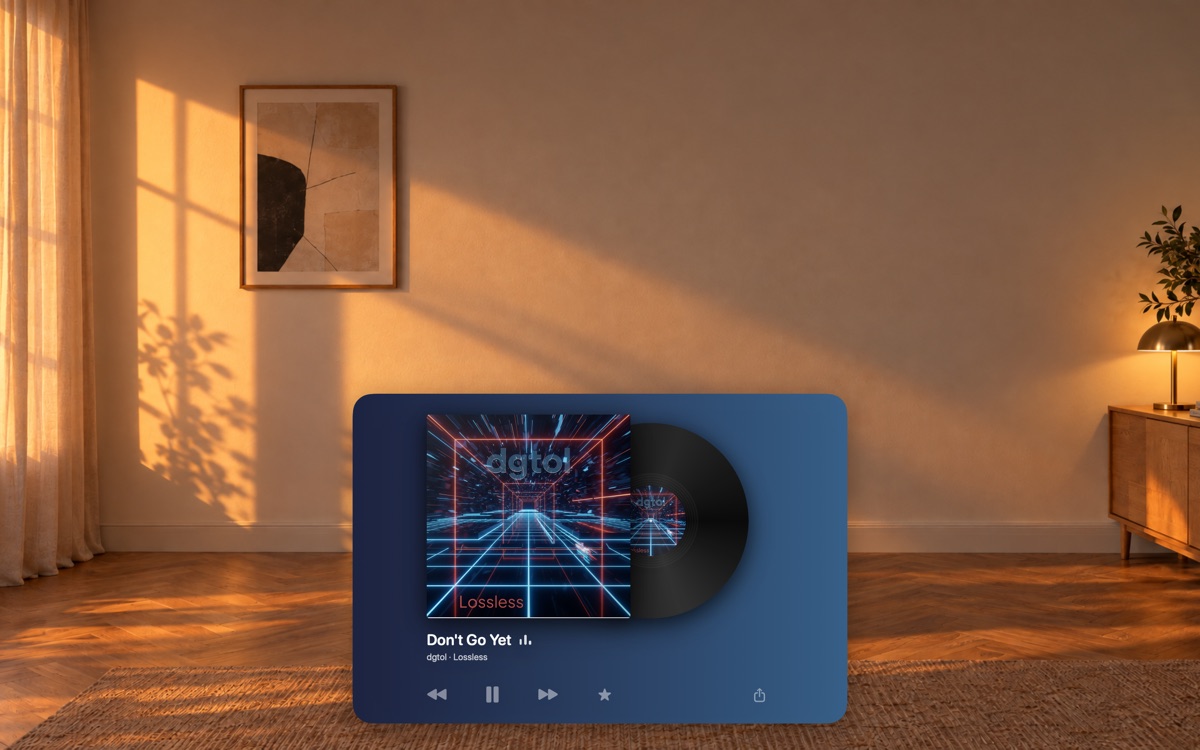
A sunlit office, a brick loft over the city, or the porch of a lake cabin, each at morning, afternoon, evening and night, automatic by the clock.
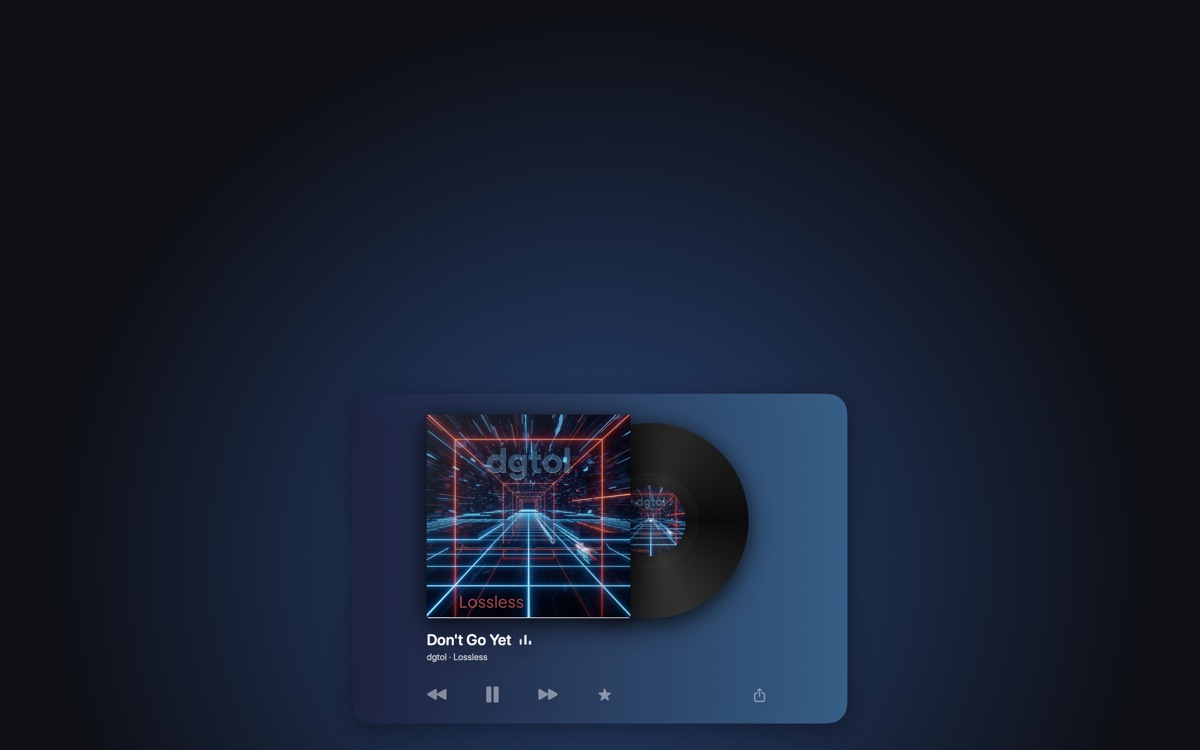
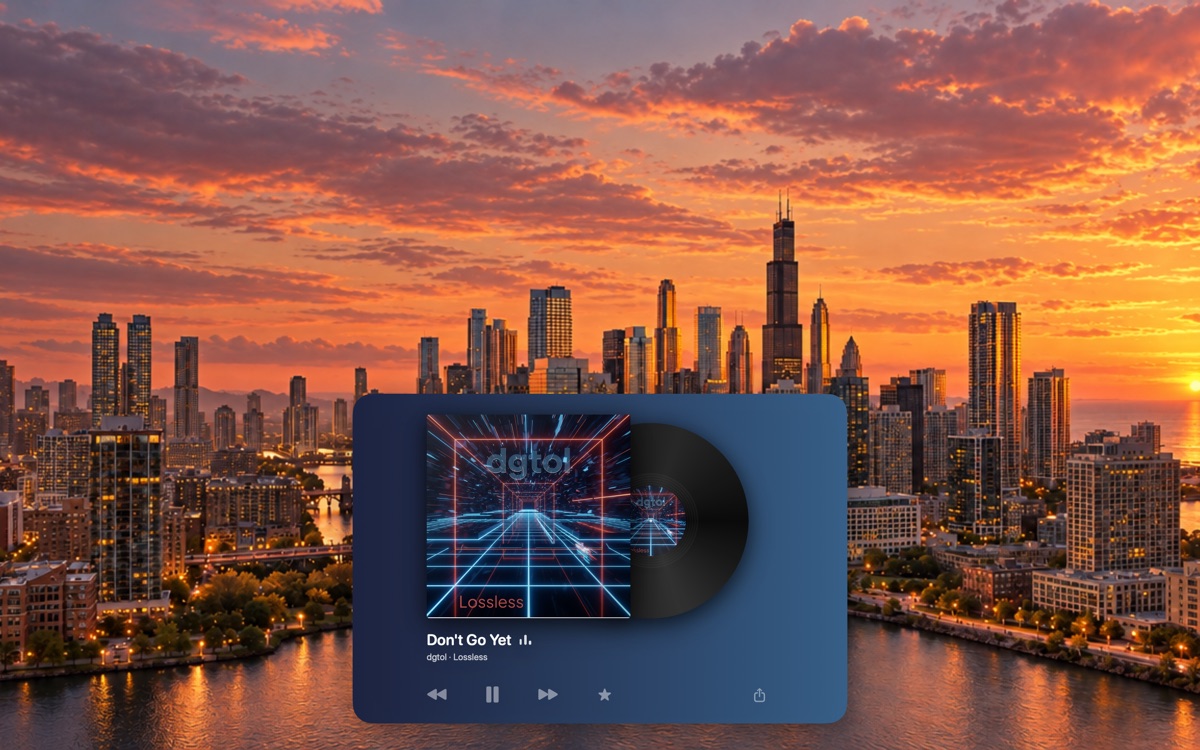
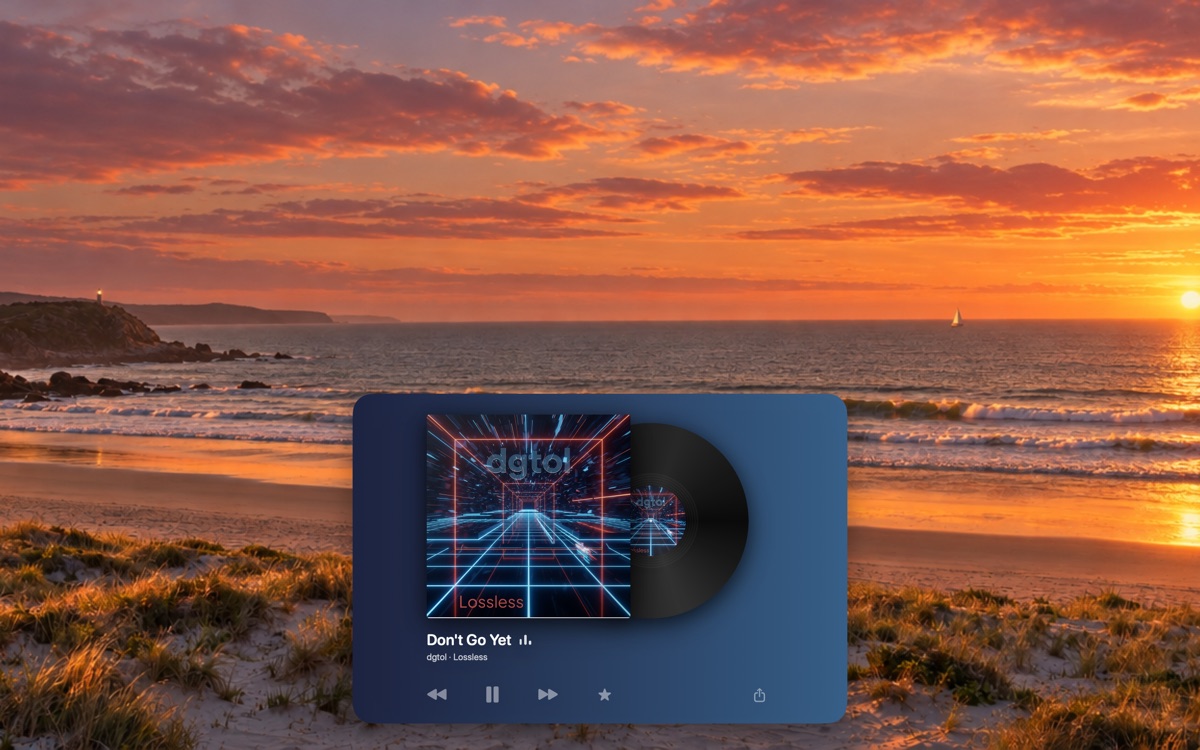
Your wallpaper, a plain colour, or a view: a downtown skyline, an old forest, an ocean beach, a snowy backyard. On a plain colour the record's light spills onto the wall.

A star marks the song as a favorite in Music. A share button sends its Apple Music link with the system share sheet.
Sits under your windows, over the wallpaper, click-through. Three sizes, four positions, launch at login.
Platter has no account, no analytics and no ads. It reads the current track from the Music app on your Mac and looks up the cover by album name; nothing else leaves your Mac. Playback only changes when you press its own controls.